


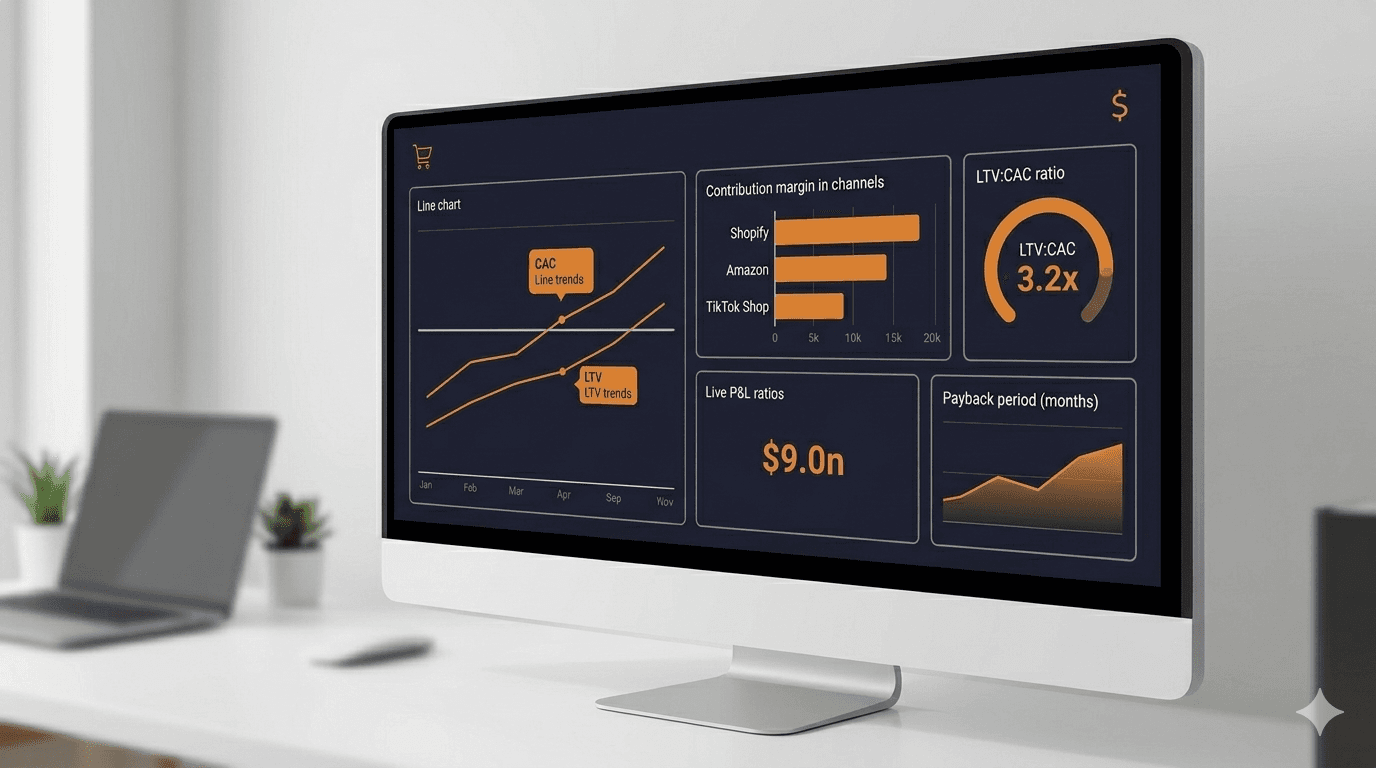
Every channel. One dashboard. Zero spreadsheets.
That is the promise. The reality for most ecommerce founders is different: revenue lives in Shopify, ad spend lives in Meta, marketplace fees live in Amazon Seller Central, and the actual profitability picture lives nowhere. Not in any single tool, not in any unified view, and certainly not in a format that supports decisions faster than quarterly.
The problem is not a lack of data. Ecommerce generates more data per dollar of revenue than almost any other business model. The problem is that the data sits in silos, and the metrics most dashboards surface (page views, conversion rate, average order value) describe marketing performance, not financial health. A founder can have a beautiful marketing dashboard showing rising traffic and steady conversion rates while the business quietly bleeds cash through rising customer acquisition costs, compressing margins, and lengthening payback periods.
This guide covers the financial KPIs that actually determine whether an ecommerce business is building value or just generating activity, how to measure them accurately across channels, and how to assemble them into a dashboard that drives decisions instead of decorating a wall.
The Vanity Metrics Trap
Most ecommerce analytics dashboards are built for marketers, not founders. They prioritize metrics that describe traffic and engagement: sessions, bounce rate, conversion rate, and revenue. These numbers matter, but they tell an incomplete story.
A 3% conversion rate means nothing if the cost of acquiring each customer exceeds the margin on the first order. A $75 average order value looks healthy until the cost of fulfillment, platform fees, and returns reduce the actual contribution to $8. Revenue growth of 40% year-over-year sounds impressive until the ad budget grew 80% to produce it.
Vanity metrics describe what happened. Financial KPIs explain whether what happened was worth it.
The distinction matters because ecommerce founders make resource allocation decisions constantly: which products to reorder, which channels to invest in, which ad campaigns to scale, when to hire, and how much inventory to carry. Every one of those decisions requires financial data, not marketing data. A dashboard that cannot answer "what is the fully loaded cost of acquiring a customer on this channel, and how long until that customer pays back the acquisition cost" is not a financial dashboard. It is a scoreboard.
The Seven KPIs That Actually Matter
An ecommerce financial dashboard needs to answer three questions: Are we acquiring customers profitably? Are we retaining enough value from each customer? Is the business generating cash or consuming it? The following seven KPIs, tracked together, provide those answers.
1. Customer Acquisition Cost (CAC) by Channel
CAC measures the total cost of acquiring one new customer. For ecommerce, this calculation needs to be granular enough to show differences across channels, because the cost structure varies dramatically.
How to calculate it:
CAC = (Ad Spend + Promotions + Discounts + Attribution Share of Fixed Marketing Costs) / New Customers Acquired
The critical word is "new." Repeat purchases from existing customers should not reduce CAC. Blending new and returning customer acquisition into a single number hides rising acquisition costs behind a healthy repeat purchase rate.
Channel-level CAC reveals where each marginal dollar of marketing spend is most productive. A brand spending $15,000 per month on Meta ads and $8,000 on Amazon PPC might assume Meta is more expensive because the budget is larger. But if Meta acquires 600 new customers (CAC of $25) and Amazon acquires 200 (CAC of $40), the unit economics tell the opposite story.
Benchmarks: CAC varies widely by category and price point, but a rule of thumb we use for direct-to-consumer ecommerce is that CAC should be no more than 30% to 40% of the first-order gross margin. If a product generates $30 in gross margin on the first purchase, CAC above $12 deserves scrutiny.
2. Lifetime Value (LTV)
LTV estimates the total gross profit a customer generates over the entire relationship. For ecommerce, where repeat purchase behavior varies enormously by category, LTV is the metric that separates businesses that can afford to invest in growth from those that cannot.
How to calculate it:
LTV = Average Order Value × Gross Margin % × Average Purchase Frequency × Average Customer Lifespan
A simpler version for early-stage businesses:
LTV = (Average Revenue per Customer over 12 Months) × Gross Margin %
The 12-month window works as a practical proxy when historical data is limited. As the business matures, extending to 24- or 36-month cohort data gives a more complete picture.
What to watch for: LTV should be calculated on a cohort basis, not as a blended average. Customers acquired through a 50%-off promotion will have different repeat rates than those acquired at full price. Mixing them produces a number that describes no actual customer segment.
3. LTV:CAC Ratio
The LTV-to-CAC ratio is the single most important indicator of acquisition efficiency. It answers: for every dollar spent acquiring a customer, how many dollars of gross profit does the business eventually recover?
Benchmarks:
- Below 1:1. The business loses money on every customer acquired. This is only acceptable during an intentional land grab with a clear path to improving unit economics.
- 1:1 to 2:1. Breakeven to marginal. The business is funding growth from its own margins with little room for error.
- 3:1 to 5:1. Healthy range for most ecommerce businesses. Enough margin to fund operations and reinvest in growth.
- Above 5:1. Potentially under-investing in growth. A high ratio may mean the business is leaving market share on the table by not spending enough on acquisition.
This ratio should be tracked per channel. A blended 3:1 might hide a Meta channel at 4:1 and an Amazon channel at 1.5:1. The correct response is not a blended strategy but a channel-specific one.
4. Contribution Margin
Contribution margin measures what remains after all variable costs are subtracted from revenue. For ecommerce, variable costs include COGS, fulfillment, shipping, platform fees, payment processing, and returns. This is the money available to cover fixed costs and generate profit.
How to calculate it:
Contribution Margin = Revenue − COGS − Fulfillment − Shipping − Platform Fees − Payment Processing − Returns
Contribution Margin % = Contribution Margin / Revenue × 100
This metric matters more than gross margin for ecommerce because the cost layers between gross margin and contribution margin are substantial. A product with a 65% gross margin might have a 22% contribution margin after FBA fees, shipping, and a 15% return rate. Decisions made on gross margin alone will be aggressively wrong.
For a deeper look at how to calculate contribution margin at the SKU level, see our guide to product profitability analysis. And for the full methodology on calculating the customer-level metrics that feed this dashboard, see how to calculate CAC, LTV, and payback period for ecommerce.
Benchmarks: Healthy ecommerce contribution margins typically range from 15% to 35%, depending on category and fulfillment model. Below 15%, the business has very little cushion for fixed costs or growth investment. Above 35% usually indicates a strong brand with pricing power and efficient operations.
5. CAC Payback Period
The CAC payback period measures how many months it takes for a new customer's contribution margin to repay the cost of acquiring them. This is the cash flow metric that most ecommerce dashboards ignore entirely, and it is arguably the most important one for founders managing working capital.
How to calculate it:
CAC Payback Period = CAC / (Average Monthly Revenue per Customer × Contribution Margin %)
For a one-time purchase business, the payback happens (or does not) on the first order. For subscription or repeat-purchase models, the payback extends across multiple transactions.
Why it matters: A business with strong LTV:CAC can still run out of cash if the payback period is too long. Acquiring a customer for $40 who generates $120 in lifetime gross profit sounds excellent, but if that $120 arrives over 18 months and the business needs to fund inventory for the next batch of customers today, the cash flow math breaks. This is the scenario described in detail in our post on cash flow vs. profitability.
Benchmarks: For ecommerce businesses relying on repeat purchases, a payback period under 3 months is strong. Under 6 months is acceptable. Over 12 months signals a working capital problem that will compound as the business scales.
6. Revenue and Margin by Channel
Channel-level reporting is not optional for multichannel sellers. It is the only way to answer the question "where should the next dollar go?"
This metric requires breaking out revenue, COGS, fees, and contribution margin for each sales channel separately: Shopify direct, Amazon, TikTok Shop, wholesale, and any other channel in the mix.
What to track per channel:
- Gross revenue
- Net revenue (after returns and refunds)
- COGS
- Platform and payment fees
- Fulfillment costs
- Contribution margin (dollars and percentage)
The output is a side-by-side comparison that reveals which channels generate the most profit per order, not just the most revenue. A channel producing $200,000 in monthly revenue at a 12% contribution margin is less valuable than one producing $80,000 at a 32% contribution margin, unless the founder has a specific, funded strategy to improve the first channel's economics.
This is where most sellers discover that their highest-revenue channel is not their most profitable one. Amazon often produces the most volume but carries the heaviest fee structure. Direct-to-consumer via Shopify typically generates higher margins but lower volume. The dashboard makes these tradeoffs visible so the founder can allocate resources intentionally, not by default.
7. Inventory Turnover and Days of Supply
Inventory is the largest use of cash in most ecommerce businesses. Tracking how quickly it converts to revenue determines how efficiently the business uses its working capital.
Inventory Turnover = COGS / Average Inventory Value
Days of supply:
Days of Supply = (Average Inventory Value / COGS) × 365
These two metrics work together. High turnover (or low days of supply) means capital is not sitting on shelves. Low turnover means cash is locked up in product that is not selling fast enough.
Benchmarks: Healthy ecommerce inventory turnover ranges from 4 to 8 turns per year (45 to 90 days of supply). Below 4 turns suggests overstocking or slow-moving SKUs. Above 10 turns may indicate the business is running lean enough to risk stockouts. For a framework on optimizing this balance, see our guide on the reorder point formula.
Building the Dashboard: Architecture and Data Sources
Knowing which KPIs to track is the first step. Actually assembling them into a single, current view is where most ecommerce businesses stall.
The challenge is structural. The data required for a financial KPI dashboard lives in at least four systems:
- Sales channels (Shopify, Amazon, TikTok Shop) hold revenue, fees, and return data.
- Ad platforms (Meta, Google, Amazon PPC, TikTok Ads) hold customer acquisition cost data.
- Inventory and fulfillment systems (3PLs, FBA, ShipBob) hold COGS and fulfillment cost data.
- Banking and payments (Stripe, PayPal, bank accounts) hold cash flow data.
Each system reports on its own schedule, in its own format, using its own definitions. Amazon's "ordered product sales" is not the same as "disbursed revenue." Meta's "cost per purchase" is not the same as CAC because it includes repeat customers. Shopify's "gross sales" is calculated before discounts are deducted, so it overstates what you actually collected.
There are three common approaches to unifying this data, each with tradeoffs.
Approach 1: The Spreadsheet Stack
Pull CSVs from each platform, normalize the data manually, and build formulas to calculate the KPIs listed above. This works at small scale (under $500K in annual revenue, two channels or fewer). The problem is that it requires 4 to 8 hours per month of manual data wrangling, and the dashboard is always stale by the time it is complete. It is also fragile. One changed column header in an Amazon report breaks the import.
Approach 2: The BI Tool Layer
Tools like Looker, Metabase, or Google Data Studio can connect to multiple data sources and create live dashboards. This is more robust than spreadsheets but requires technical setup: API connections to each platform, a data warehouse to normalize and store the data (BigQuery, Redshift), and ETL pipelines to keep everything flowing. The setup cost is $5,000 to $20,000, with ongoing maintenance. This makes sense for businesses doing $5M or more in annual revenue with an analytics team.
Approach 3: A Unified Financial Platform
The cleanest solution is a single platform that connects to sales channels, ad platforms, and banking data, then calculates financial KPIs automatically. No middleware, no data warehouse, no manual normalization. The bookkeeping system and the KPI dashboard share the same underlying data, so the numbers are always consistent and current. For Shopify-specific sellers, our Shopify bookkeeping guide covers the chart of accounts and reconciliation habits that feed into this dashboard. And for sellers ready to automate the bookkeeping layer entirely, see our guide to AI bookkeeping.
This is the approach Futureproof is building. By connecting sales channels, bank accounts, and cost data into a single system, Futureproof calculates CAC, LTV, contribution margin, and channel-level profitability automatically, updated daily, not monthly. The goal is to give ecommerce founders the same financial visibility that venture-backed SaaS companies build with $50,000 in analytics infrastructure, for $1,000 per month.
Common Dashboard Mistakes
Tracking Too Many Metrics
A dashboard with 30 KPIs is not a dashboard. It is a data dump. The seven metrics outlined above cover the core financial questions. Adding more creates noise that slows down decision-making. If a metric does not change a decision, it does not belong on the primary view.
Ignoring Cohort Analysis
Blended averages hide trends. A rising overall LTV might mask the fact that recent cohorts have significantly lower repeat purchase rates than older ones. Track KPIs by acquisition cohort (monthly or quarterly) to see whether the business is improving or coasting on historical performance.
Measuring Channels on Revenue Alone
Revenue is the most dangerous metric to optimize in isolation. A channel that doubles revenue while tripling ad spend and compressing margins is not growing the business. It is growing the top line while shrinking the bottom line. Every channel metric on the dashboard should include a profitability component.
Reviewing Monthly Instead of Weekly
Monthly review cycles are too slow for ecommerce. A pricing change, a shift in ad costs, or a supplier price increase can erode margins in days. Pairing weekly KPI reviews with a 13-week cash flow forecast gives founders both the margin picture and the cash picture in a single rhythm. Weekly review of the core KPIs catches problems before they compound into quarterly surprises.
Not Comparing Against Benchmarks
Internal trends matter, but they need external context. A 20% contribution margin might feel acceptable until the founder learns that the category average is 30%. Benchmarks create the reference frame that turns data into insight.
From Dashboard to Decision Framework
A financial dashboard is only useful if it drives action. Here is how the seven KPIs map to the most common ecommerce decisions.
"Should I increase ad spend on this channel?" Check channel-level CAC, LTV:CAC ratio, and payback period. If CAC is below the threshold, LTV:CAC is above 3:1, and payback is under 6 months, the channel can absorb more spend. If any of those metrics are borderline, scale cautiously and recheck weekly.
"Should I add a new sales channel?" Before launching, model the expected fee structure, fulfillment cost, and return rate for the new channel. Compare the projected contribution margin against existing channels. If the new channel will operate at a materially lower margin, the incremental revenue needs to be large enough to justify the added complexity.
"Should I reorder this product?" Check the SKU's contribution margin, inventory turnover, and days of supply. If contribution margin is above threshold and turnover is healthy, reorder. If margin is compressing or turnover is slowing, investigate before committing more capital.
"Can I afford to hire?" Fixed costs (including payroll) need to be covered by total contribution margin. If contribution margin after the new hire still leaves a healthy buffer above fixed costs, the hire is financially supportable. If not, the business needs to grow contribution margin first.
"Is the business ready for outside investment?" Investors in ecommerce businesses evaluate LTV:CAC, contribution margin, and inventory efficiency. A dashboard showing strong unit economics and efficient capital deployment is the most compelling pitch material a founder can bring to a conversation.
The Cost of Not Knowing
The ecommerce founders who struggle most are not the ones with bad metrics. They are the ones with no metrics, or, worse, the ones who have data scattered across five platforms and a half-finished spreadsheet that no one trusts.
The cost of that gap is not abstract. It shows up as the ad campaign that ran three weeks too long because nobody could see it was unprofitable. The product reorder that tied up $40,000 in inventory that turned out to have a 6% contribution margin. The channel expansion that added revenue and lost money simultaneously.
Every channel. One dashboard. Zero spreadsheets. That is not a tagline. It is a description of what financial clarity looks like for ecommerce. Start your 14-day trial and build the financial dashboard your business actually needs.